Assessment Access

Credentials

SwissNexa Credentials

Two professional certifications for people who administer and interpret SwissNexa assessments, and one commercial authorization for partners who offer SwissNexa products. Every credential carries a unique ID and can be verified online at any time.

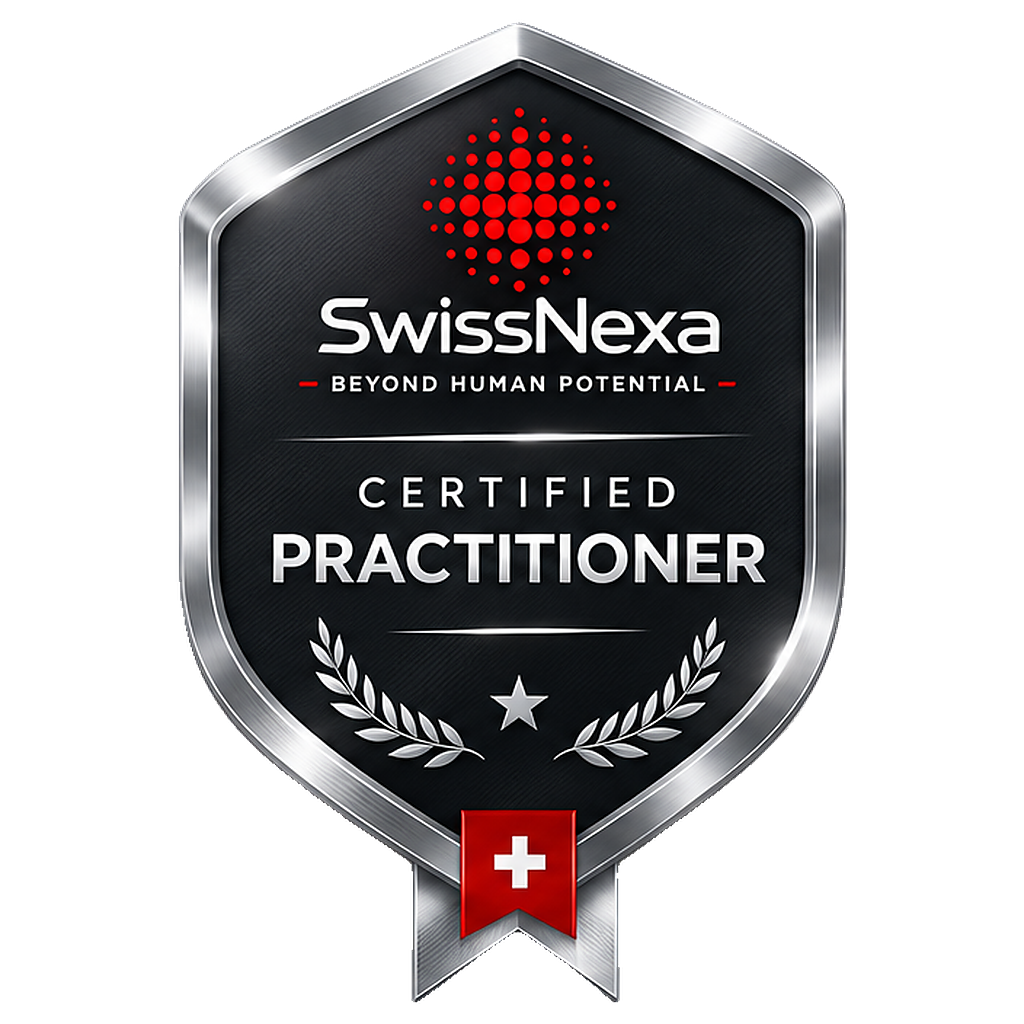
SwissNexa Certified Practitioner shield
Silver · Professional certification

SwissNexa Certified Practitioner

Administration of the SwissNexa assessments named on the credential and interpretation of their reports within the documented scope.

Requirements
  • SwissNexa Practitioner training
  • Code of ethical use accepted
  • Supervised administration
  • Measured interpretation check
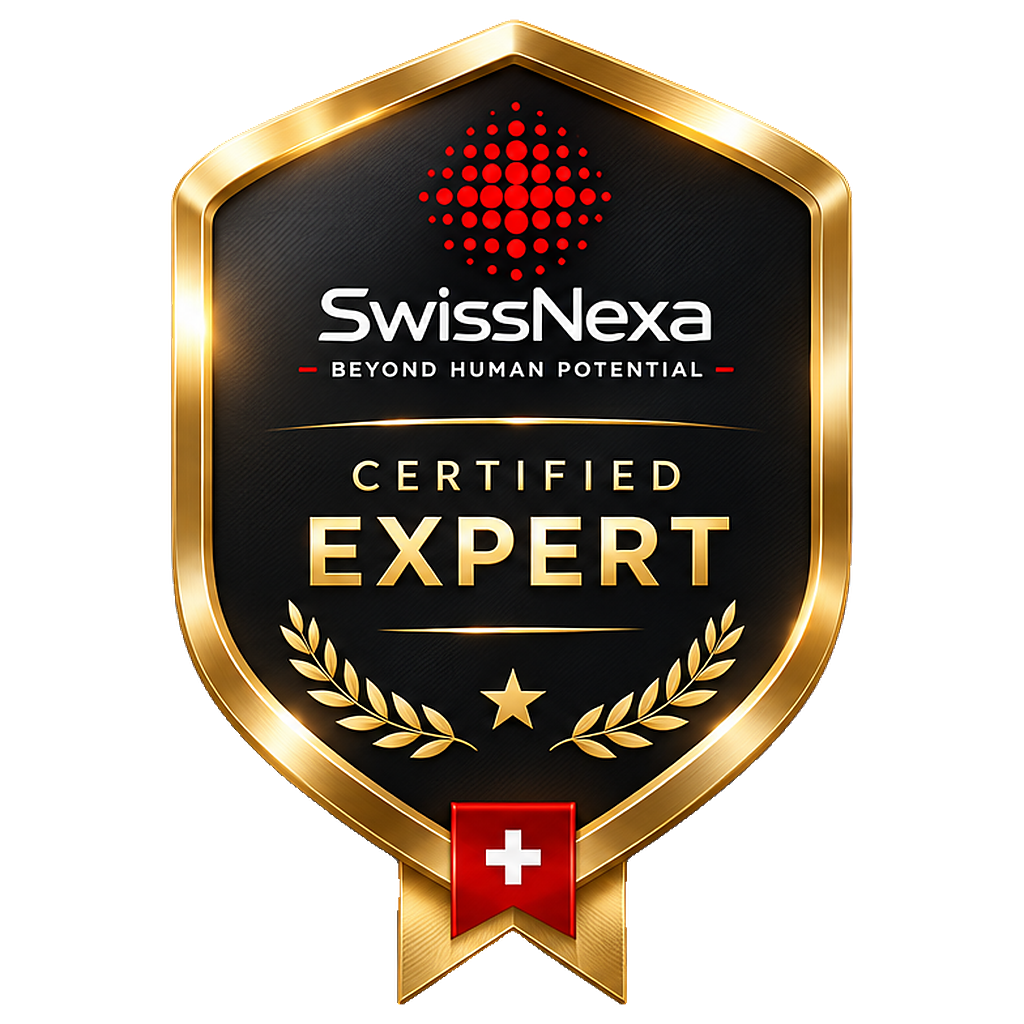
SwissNexa Certified Expert shield
Gold · Professional certification

SwissNexa Certified Expert

Advanced interpretation of SwissNexa executive assessments and their use in advisory work with executives and boards.

Requirements
  • Certified Practitioner or accepted equivalent
  • Three reviewed executive case interpretations
  • Observed executive feedback session
  • Expert case examination
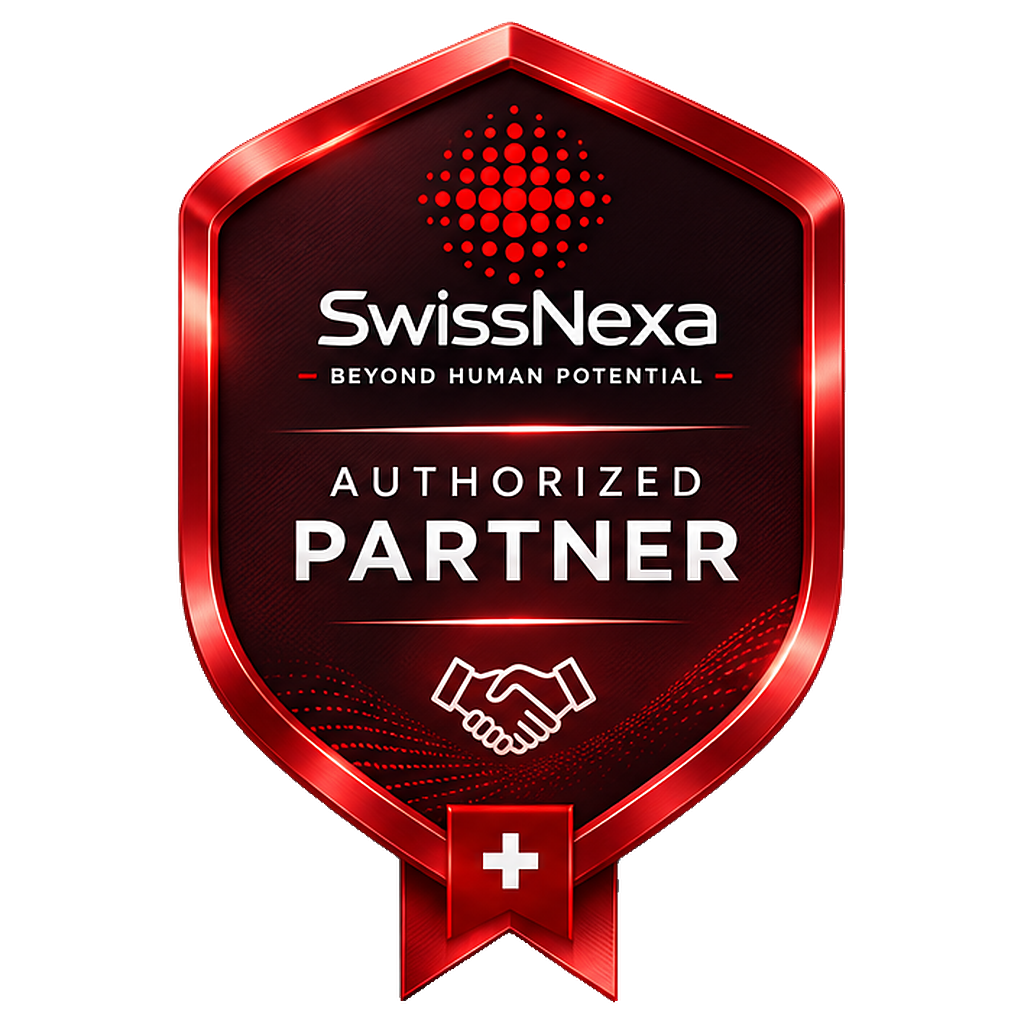
SwissNexa Authorized Partner shield
Red · Commercial authorization

SwissNexa Authorized Partner

Authorization to market, sell and distribute SwissNexa products within an agreed scope and territory. Commercial authorization only.

Requirements
  • Signed commercial agreement
  • Product training
  • Brand and compliance rules accepted
  • Agreed sales scope and territory

Professional certification

Certified Practitioner and Certified Expert confirm professional competence within a documented scope, after training, an ethics commitment and a measured competence check.

Commercial authorization

Authorized Partner confirms a commercial agreement to market and sell SwissNexa products. It does not certify competence and does not authorize administering or interpreting assessments unless the partner also holds a professional certification.

How verification works

Unique ID

Each credential has an unguessable ID (SNX-XXXX-XXXX-XXXX-XXXX) printed on the certificate with a QR code.

Live status

The verification page shows whether a credential is active, expired, suspended or revoked — at the moment of the check.

Signed record

Each credential is a digitally signed SwissNexa record; changing a detail breaks the signature.

Privacy

Only details the holder agreed to publish are shown. Look-ups are rate-limited and no IP addresses are stored with them.

Questions

How do I add my credential to LinkedIn?

Open your credential page and use “Copy credential details”, then “Add to LinkedIn”. LinkedIn opens its “Add license or certification” form; select SwissNexa as issuing organization and enter the copied details. LinkedIn does not fill them in automatically and nothing is posted for you.

Does LinkedIn show the shield?

In Licenses & Certifications LinkedIn shows the SwissNexa company page logo as the issuer. You can share the shield image in your own post if you wish.

Are the credentials time-limited?

Yes. Each credential shows its validity period and can be renewed when the renewal requirements are met. The verification page always shows the current status.

Is this an accreditation or a licence?

No. SwissNexa credentials are issued by SwissNexa. They are not government licences, external accreditations or psychological licences.

Can an Authorized Partner interpret assessments?

Not on the basis of the authorization. Administering and interpreting SwissNexa assessments requires a professional certification.

How can a credential be revoked?

For example after a breach of the code of ethical use, use outside the conferred scope, misrepresentation or the end of a partner agreement. A revoked credential is shown as revoked on the verification page.
Verify a credential

assessment.swissnexa.com/verify

Verify a credential

Better Understanding Begins with Better Questions.

Discuss your assessment question with our team in a private demonstration.

Request a Private Demonstration

© 2012–2026 SwissNexa. All rights reserved.

Assessment Systems

Admin Sign-In